
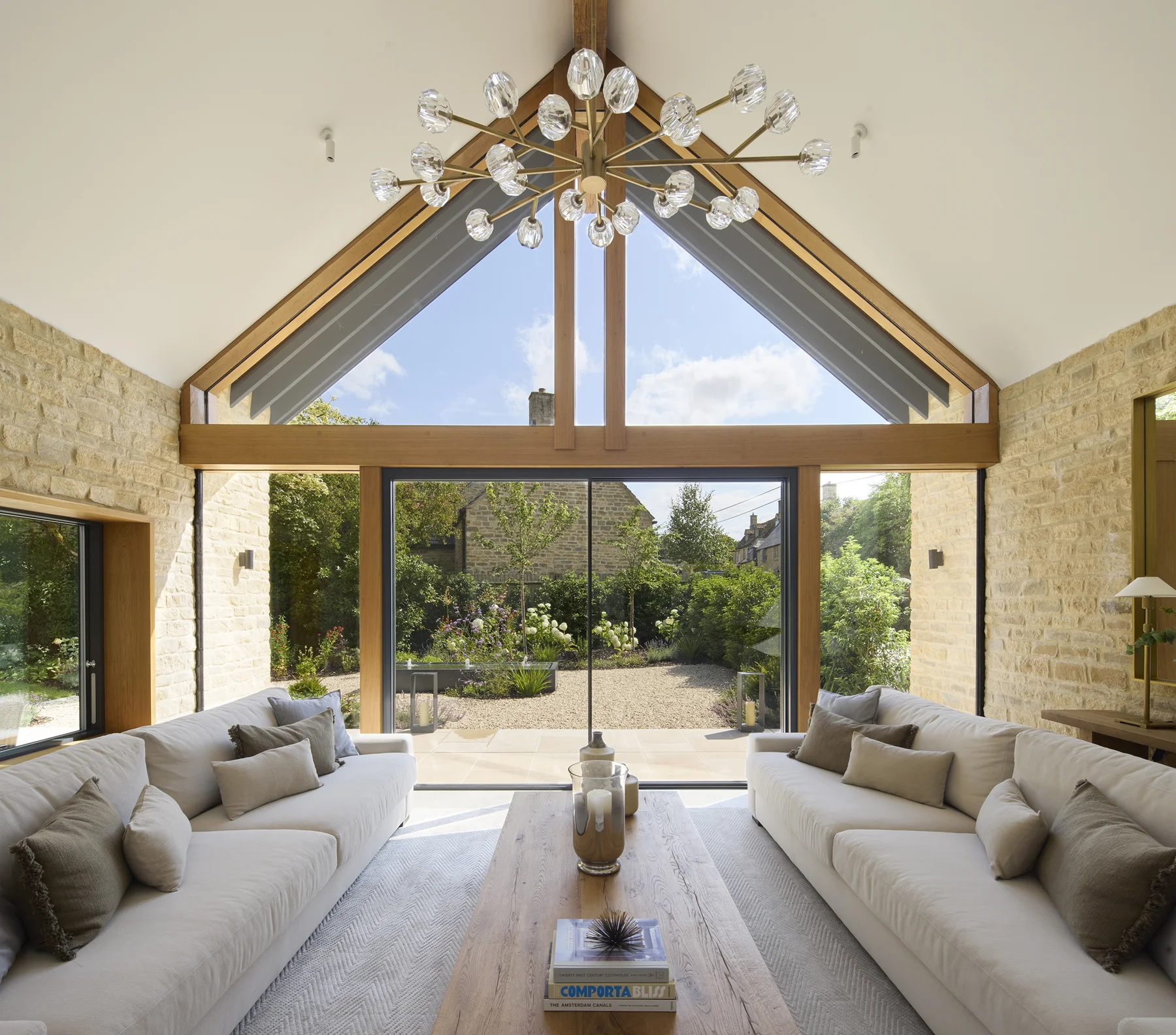
You may already have the beginnings of a useful film: progress clips on a site manager's phone, a recording supplied by a project partner and photographs of the finished work. Before commissioning an edit, check whether those files can explain something a prospective client needs to understand.
Start with one audience, one message and one place where the video will appear. Then review the material against that brief. The answer might be a complete edit from existing footage, a shorter film with a narrower purpose, or a brief for a few missing shots. Agree that decision before committing to the finished production.
01
Give the film a specific job
“Show what we do” leaves a lot for the editor to guess. Choose a question that matters to someone considering your business. A contractor might need to explain which part of a finished project it delivered. A manufacturer might want to show how a product looks in use. An architectural practice might want to explain the relationship between several spaces.
Write the intended message in one sentence. For example: “After watching, a commercial client should understand the joinery package our team delivered and know where to read the project details.” This is an illustrative brief, not a claim about a Crafters client.
That sentence helps you choose the clips. A striking view may deserve a place, but it still needs to contribute to the message. Agree the next step too: read the case study, explore a service or discuss a similar project. Give the video a destination that continues the same conversation.
02
Gather the original files and their context
Ask colleagues for the original recordings where available, alongside any edited versions already in use. A saved social post may help explain the idea, but it should not be the only file the editor receives if the original exists.
Keep a simple list beside the material. For each clip or image, record:
- What it shows, including the project and stage of work.
- Who supplied it and who can answer factual questions about it.
- Your business's role in the work shown.
- Any agreed limits on use, approval requirements or credits.
- Anything out of date that should not appear in the new film.
Mark uncertain details as questions. A folder name such as “final site” does not tell an editor whether the work was complete, who carried it out or whether the client has approved its use. Keep material awaiting approval separate from the selection cleared for the brief.
You do not need to organise years of footage before making an enquiry. Prepare a representative selection and explain what else exists. Ask how the agency wants to receive it before sending a large archive.
03
Ask for a review against the intended use
A footage review should answer two different questions: can the files be used in the proposed format, and do they contain enough of the story?
For the first, ask the editor to check picture clarity, framing, camera movement and sound where speech matters. Show where the video is intended to appear. A wide site view may lose the relevant detail when cropped for a portrait screen. A logo, caption or person may already sit close to the edge of an existing edit.
For the second, look at what the viewer can actually learn. Ten clips of the same finished elevation may provide less explanation than a wider view, one meaningful detail and a short, accurate account of the work. An attractive sequence still needs enough context to identify your contribution.
Ask the editor to identify usable material, missing information and footage that needs replacing. Avoid agreeing a final running time simply because there are several minutes of recordings. The useful sequence may be much shorter.
04
Decide what needs editing, explanation or new filming
Some gaps can be addressed with approved text, still photographs or a simple graphic. A project introduction can name the location and scope. A labelled plan can help explain the relationship between spaces. A still image may show a finished detail more clearly than the available moving footage.
Other gaps need more material. If the brief depends on showing an installation stage and nobody recorded it, the editor cannot show that actual stage from footage of the finished building. Choose whether to narrow the story, explain the point using clearly identified supporting material, or commission additional capture where it is practical.
Keep the distinction between a record of the project and an illustration clear. Do not let stock footage, an animation or a different project's clip imply that it shows work your team completed on this site.
Crafters' animation and video service covers storyboarding and editing supplied material with text and graphics. New filming and verified 3D modelling need their own agreed scope. If a fresh shoot is needed, our construction photography brief can help you prepare the purpose, views and access arrangements.
05
An archive example: photographs in a short promotion
Our Oastler case study includes an original silent promotion combining the business’s identity, supplied project photographs, service messages and contact details. It shows how still imagery can contribute to a short introduction without implying that new site footage was filmed.
Crafters’ role was the marketing presentation. Building work and source imagery belong to Oastler and its contributors. The engagement ended in 2021, so the contact details and claims within the original creative belong to that period. Use the example to consider a sequence and the information it needs, rather than as a current offer or a claim about campaign results.
06
Approve a sequence before polishing the edit
Ask for a simple running order showing what the viewer sees, what the accompanying words explain and where the sequence leads. This gives the person who knows the project an opportunity to correct the story before the edit is finished.
Consider this hypothetical joinery example. The business has a wide recording of a completed reception area, two detail clips and approved installation photographs. It wants to explain its reception desk and wall-panelling package.
The sequence could open with the completed space, identify the joinery scope, show the relevant details, use a labelled installation photograph to explain a point, then link to the full project story. Other trades' work would remain visible in the room, so the words would identify the joiner's contribution precisely. A claim about delivering the whole fit-out would not belong in this brief.
The important approval is whether that sequence tells the right story. Music, transitions and graphic treatment can then support it. Our construction case-study guide provides prompts for gathering the requirement, contribution and project facts behind those words.
07
Agree the versions and the words people need
List the intended website and social placements before the quote is finalised. Agree which versions are included and how the edit will change for each. A different crop may need repositioned text or a different shot, so ask to review the actual versions rather than assume one export will suit every placement.
Where speech or meaningful sound carries information, include accurate captions in the brief. W3C's captions guidance explains that captions convey speech and relevant non-speech audio. It also warns that automatic captions need checking for accuracy. Names, project terms and numbers deserve particular attention during review.
Ask who prepares and checks the captions, and whether you need a separate caption file, captions displayed within the picture, or both for the agreed uses. Also check that the surrounding page explains the project's key information. Captions alone do not cover every accessibility consideration for a video and its player.
08
Make the quote and handover specific
The proposal should describe what happens between supplying the material and receiving the final files. Ask it to cover the footage review, story and copy preparation, editing, graphics, audio, agreed versions, revision allowance and delivery date. Identify any additional filming, stock material or music licensing separately.
Name one person to consolidate feedback. They should gather factual corrections from the project team and return one clear response, with a time reference for each requested change. Check project names, scope, credits and contact details as carefully as the pictures.
At handover, request the agreed finished versions, caption files where included and a record of any usage restrictions. If you need editable project files or future changes, agree those arrangements in the scope. Do not assume that every working file or later revision is included.
09
Before you send the footage
Prepare a short note with the audience, the question the film should answer, the intended placements, the material available and the person who can approve the facts. Include any gaps you already know about and the date the finished video is needed.
That gives an agency enough context to discuss a sensible production scope. The result could be a focused edit from what you have, or a clear brief for the additional material needed to make it work.
Tell Crafters what footage you have. We can discuss the story, review the supplied material against the brief and agree the deliverables before production begins.