
01
Check your business information
Review the services, contact details and coverage shown across your website and business profiles. Correct anything that no longer matches the work you take on.
02
Build a usable project library
Collect approved photographs, brief descriptions, locations where appropriate and details of your contribution. Keep consent and image credits with the assets.
03
Connect your content
Link useful guides to relevant services, and services to real client or project stories. Give each page a clear next step.
04
Make enquiries manageable
Check how an enquiry reaches your team, who responds and how it is recorded. Test the route rather than assuming a form is delivering successfully.
05
Review quality as well as volume
Keep a record of which enquiries fit your business. Use that alongside campaign spend and traffic sources when deciding what to improve.
06
Turn one project into a connected journey
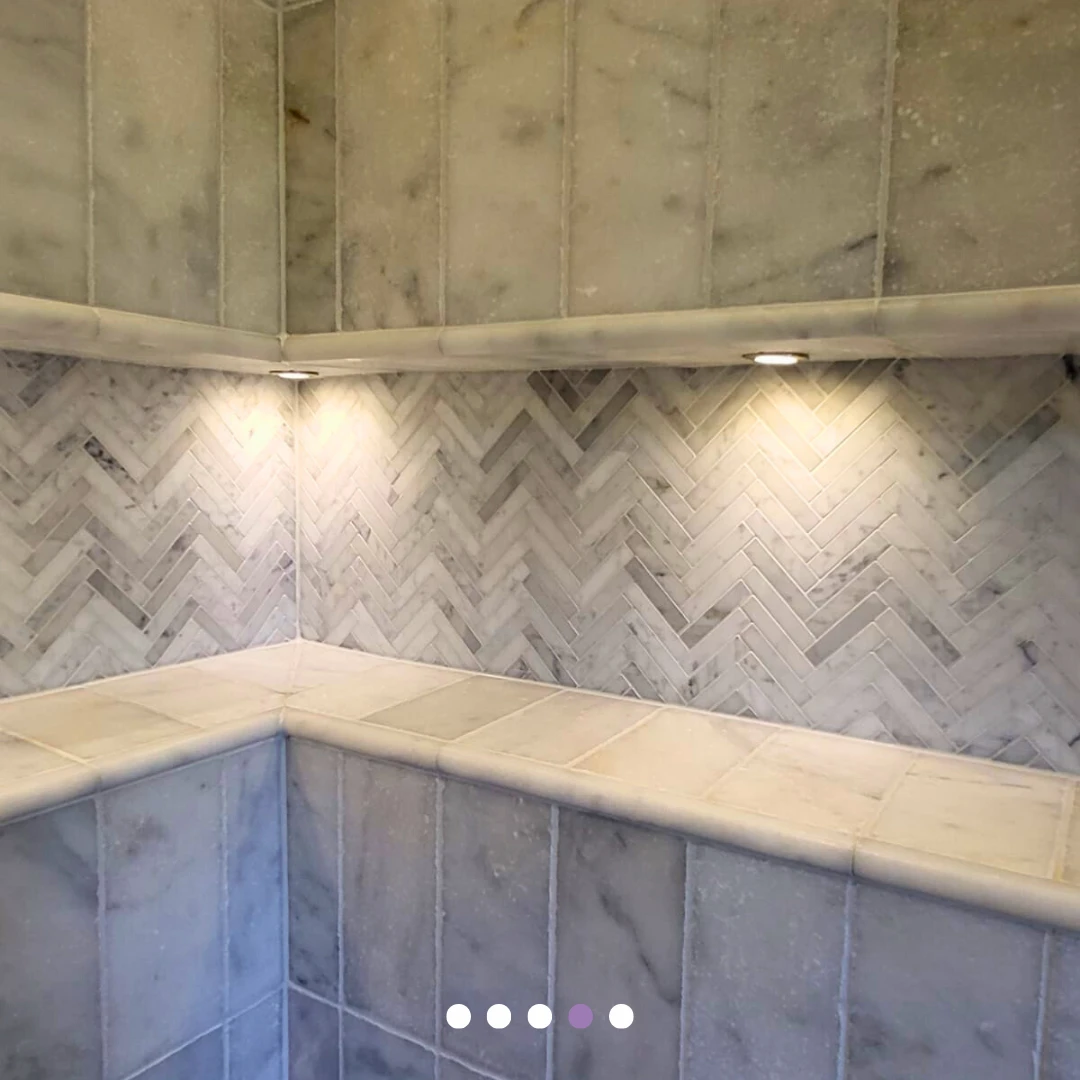
Choose one completed project you want more of. Prepare a useful website story, then a short social sequence that links to it. Sense Renovations’ five-part bathroom carousel shows how a single project can be presented through several details. Review whether people reach the relevant page and whether the enquiries match the work you want. This is a planning example, not a claim about the campaign’s measured results.
07
Choose a realistic publishing rhythm
Agree who supplies project information, who prepares the content and who approves it. A manageable plan is easier to sustain through busy periods.
PUT THE CHECKLIST TO WORK
Follow one project through to an enquiry.
Start with one service you want to grow. Choose an approved project, prepare a useful website story and use selected details in a social sequence. Sense Renovations’ bathroom carousel demonstrates the creative sequence; the steps below are a planning exercise, not reported campaign results.
- Give the visitor context: name the service, explain the work and show a finished view alongside relevant details.
- Choose one destination: link the campaign to the relevant project or service, with a clear enquiry action.
- Test the handover: check that the form delivers and that someone is responsible for responding.
- Review fit: record whether each enquiry matches the service, area and type of project you want. A click, an enquiry and a won project are different stages.
Review what visitors ask you next. Repeated questions may reveal missing page information, while unsuitable enquiries may indicate that the service or coverage needs explaining more clearly.
SEE THE WORK
Explore the Sense Renovations carousel